How does it work?
Once everything is setup you can start sending invoices. On this page we explain how it's working. First a flow diagram with the global way or working.
flowchart TD
    A([Customer clicks ₿itcoin Payment Link])
    B[Retrieve invoice details from Accounting Software]
    C[Request Bitcoin Checkout Page at Payment Provider]
    D[Receive Checkout URL and redirect customer]
    E([Customer pays invoice\nwith ₿itcoin])

    A --> B --> C --> D --> E

    style A fill:#f7931a,color:#fff,stroke:none
    style E fill:#f7931a,color:#fff,stroke:none
    style B fill:#ffffff,stroke:#f7931a,color:#111
    style C fill:#ffffff,stroke:#f7931a,color:#111
    style D fill:#ffffff,stroke:#f7931a,color:#111
Payment link
Your customer receives an invoice which contains a bitcoin payment link from payinbtc.me. This could look like the ond below.
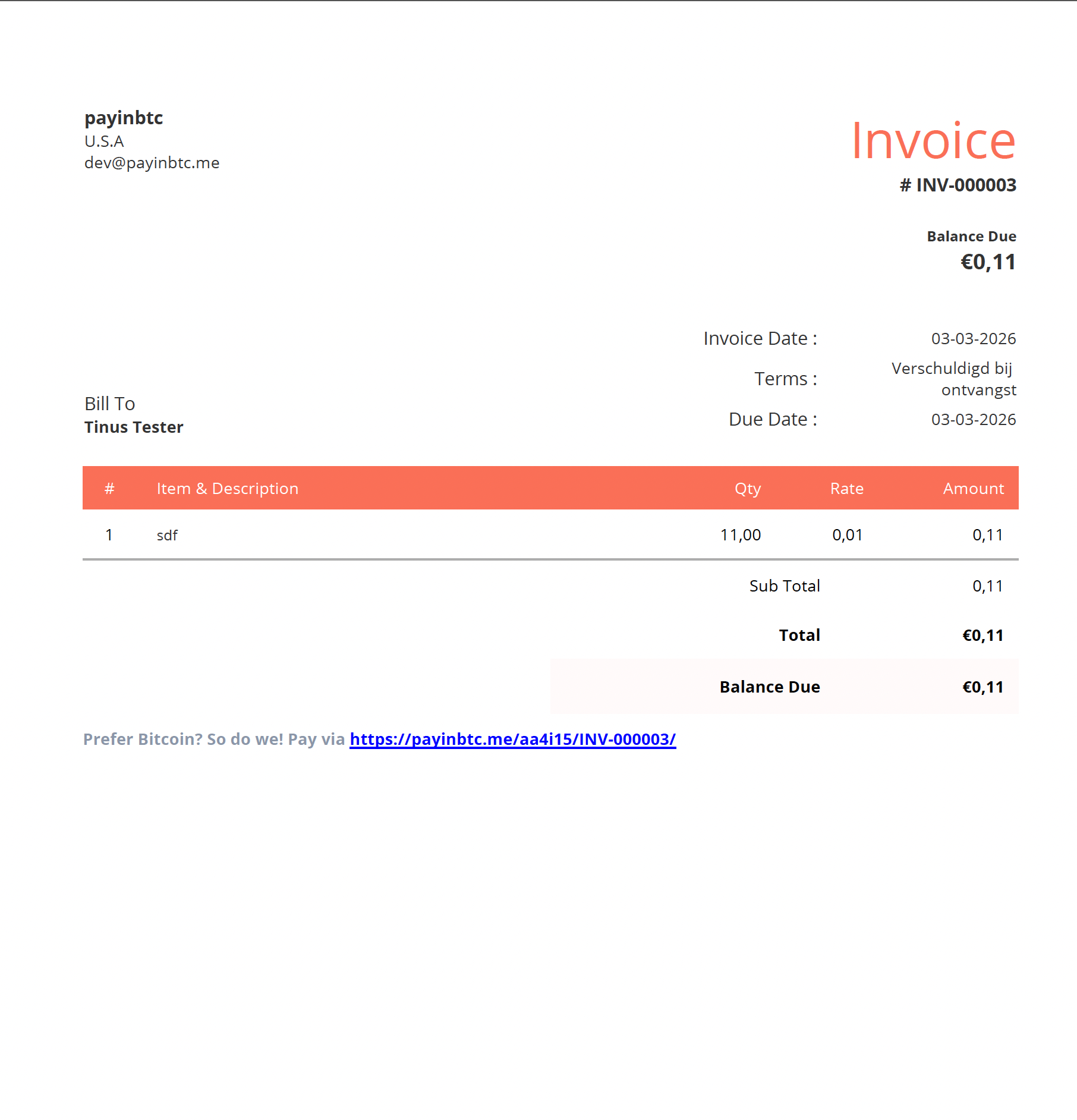
When your customer clicks the link, we will retrieve the invoice data from the accounting software. Based on the amount and the currency we will request a payment link from the Bitcoin payment provider linked to your account. In the response we receive a checkout link. We redirect your customer to this url so the invoice can be paid.
Redirect to payment provider
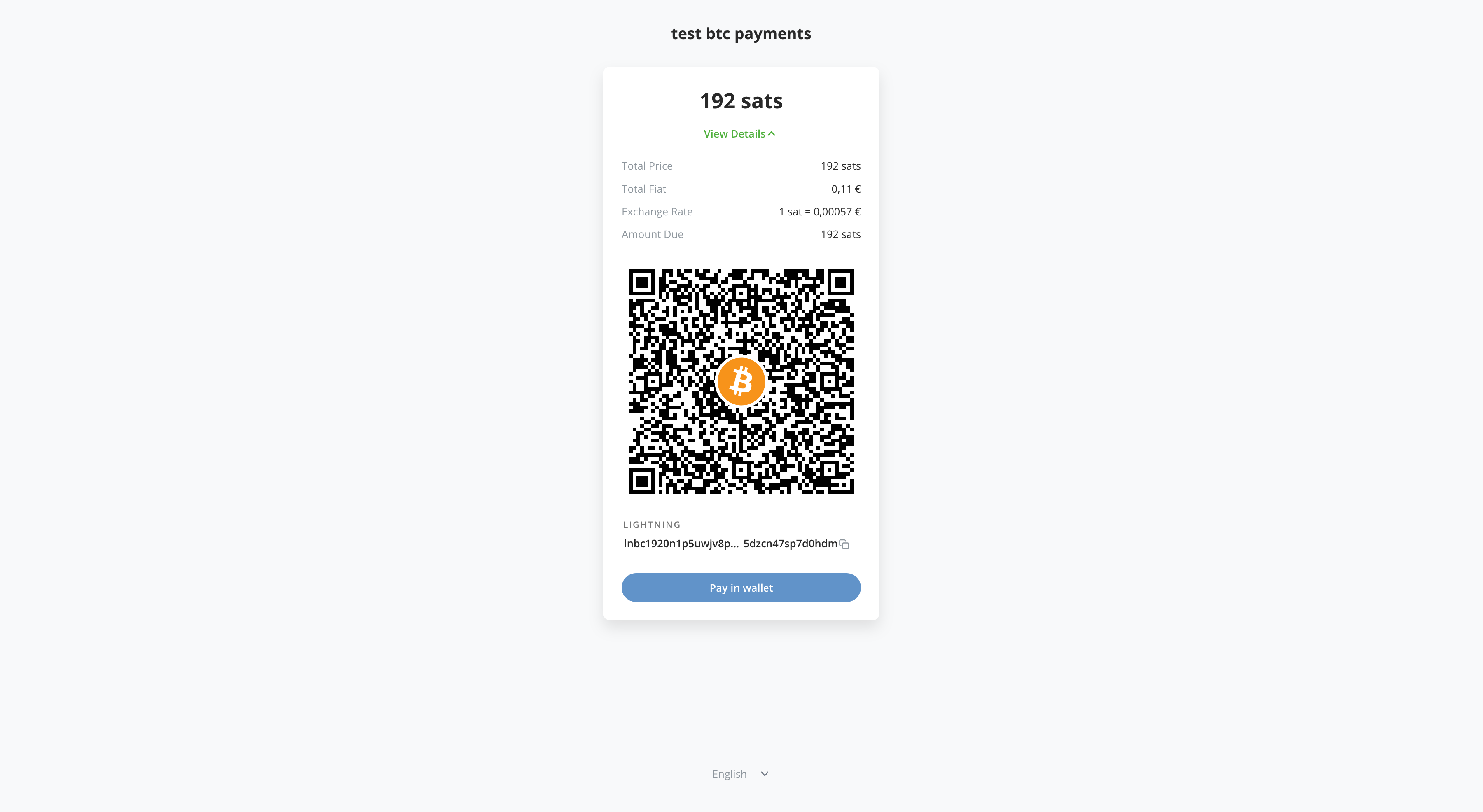
Below an example of the checkout from Coinsnap. All payment providers have their own checkout page but they all look similar.
Payment provider confirms
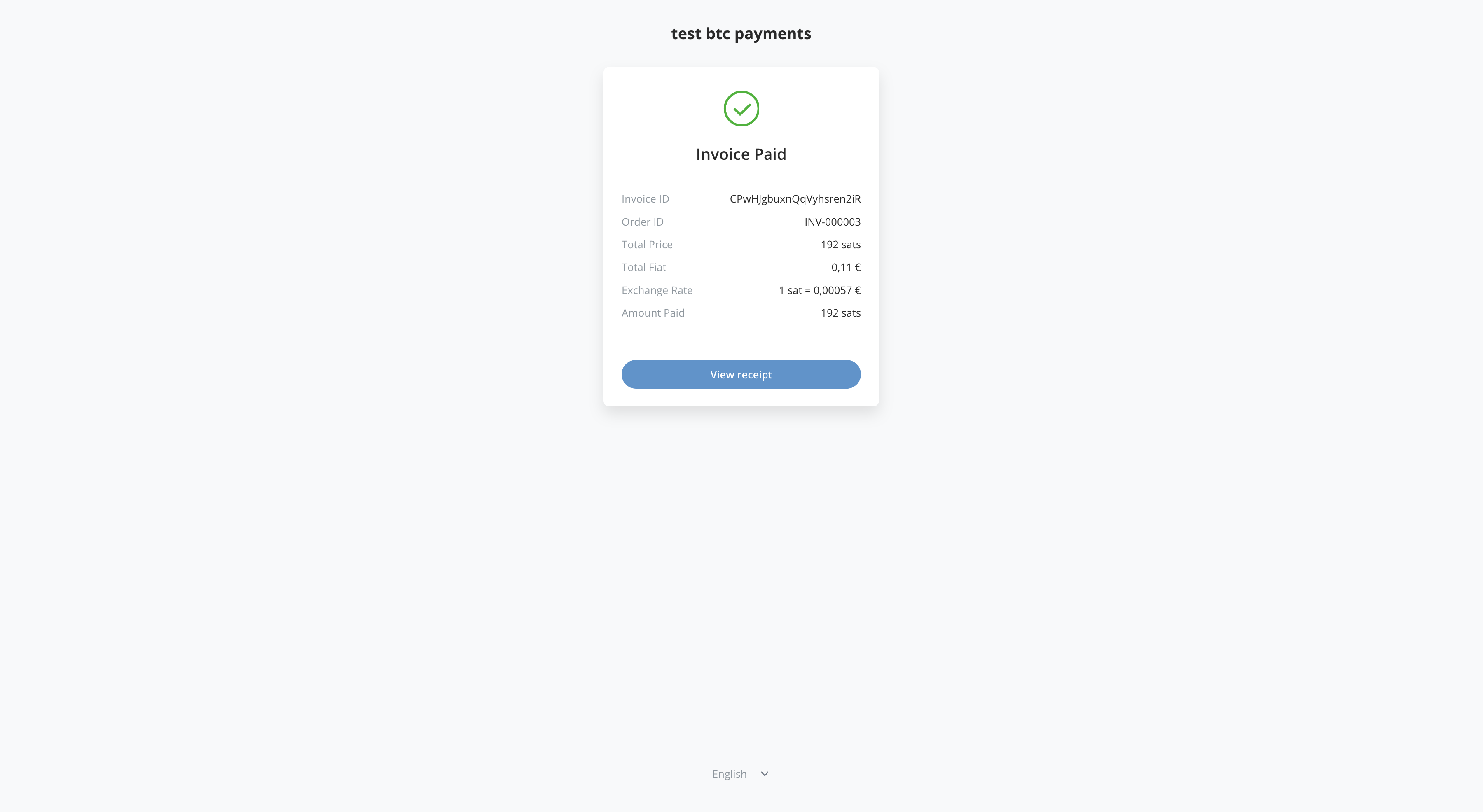
Once your customer pays the invoice, the payment provider will show a confirmation.
Invoice marked as paid
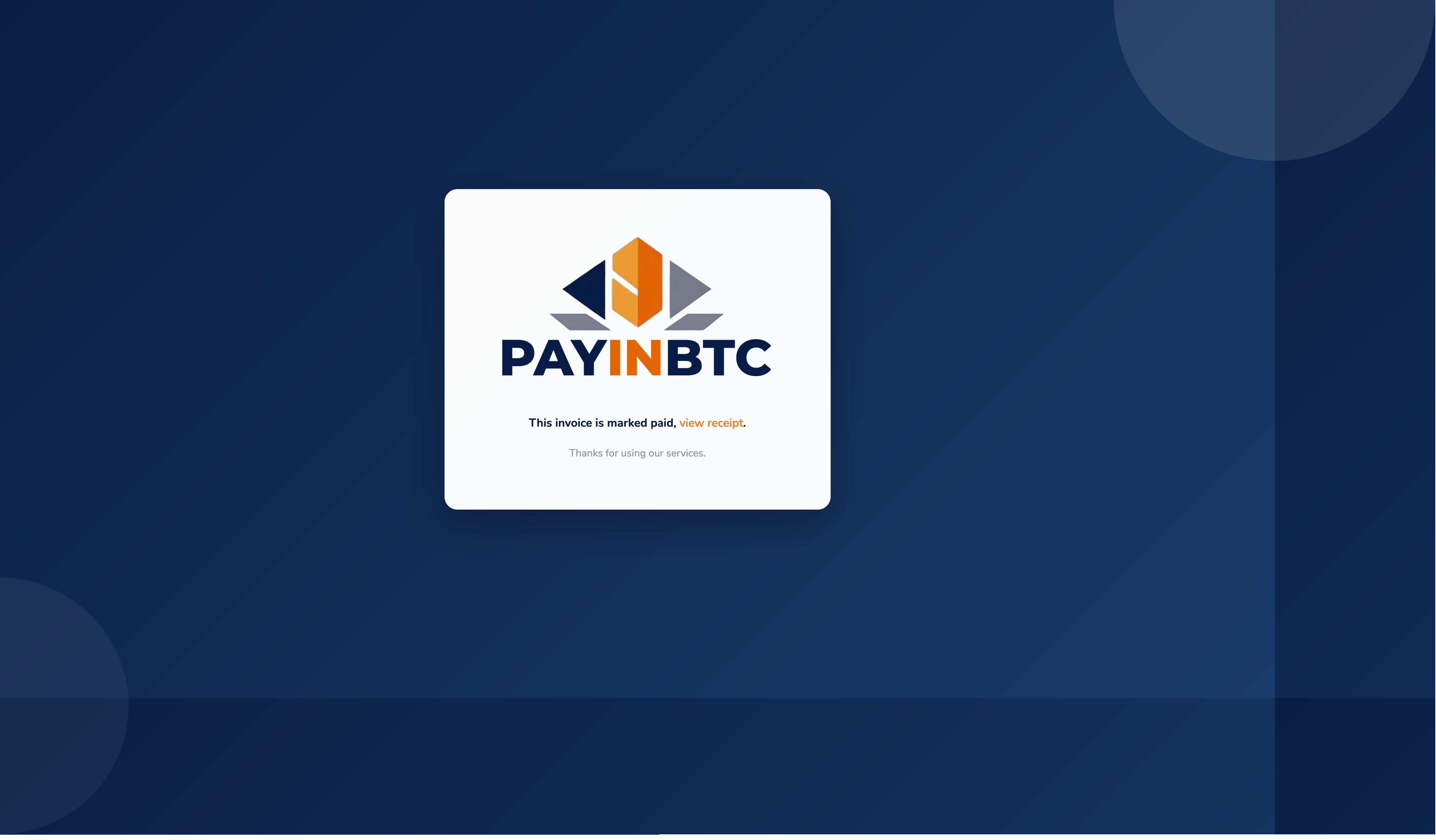
The payment status will be synchronized with PayInBTC and the invoice will be marked as paid as well.
Payment confirmation
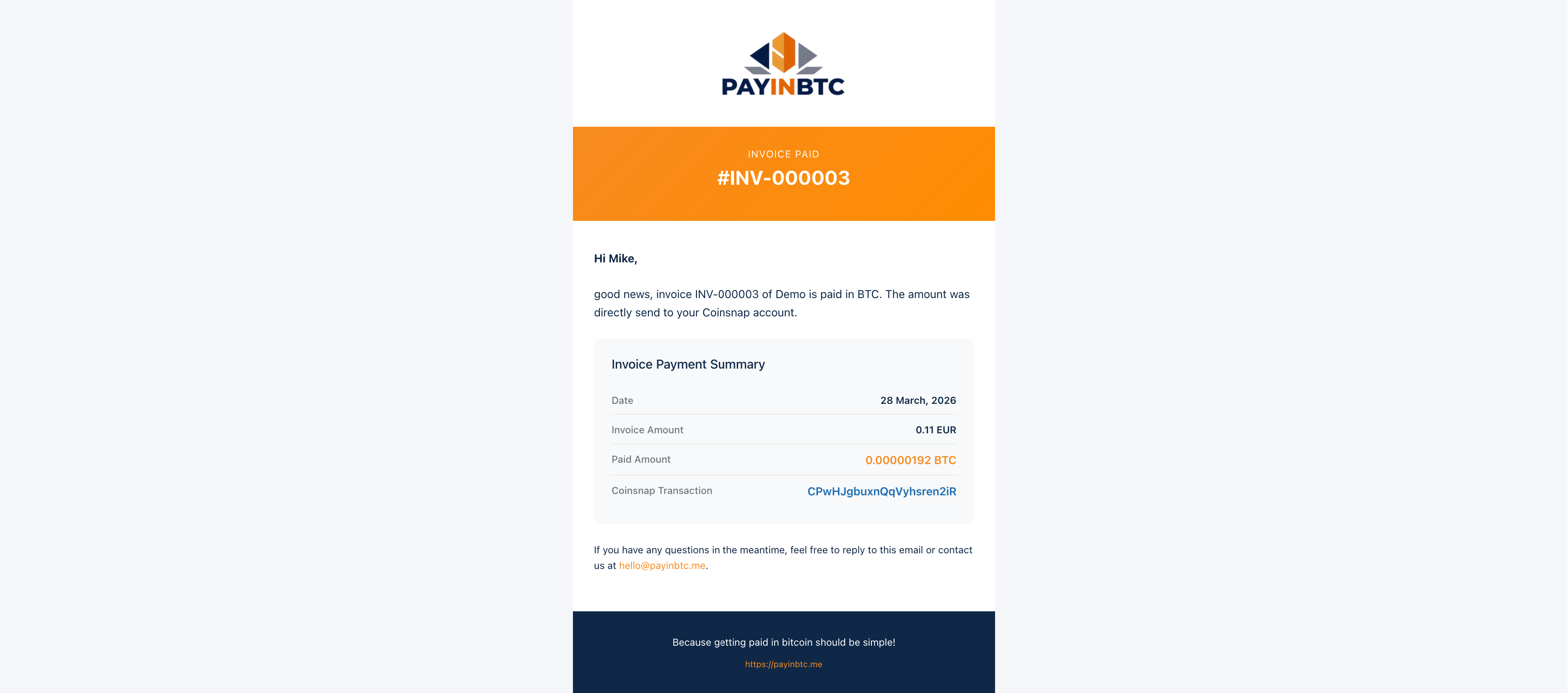
Once the invoice is paid, you will receive a confirmation email like below. Which tells you the invoice is paid and what amount in Bitcoin is received. The Bitcoin payment goes directly to your wallet of payment service provider. We neve touch your funds.
Remark
Depending on the capabilities of the accounting software they way PayInBTC retrieves the invoice data can differ.
- Bookkeeping invoice retrieved automatically
The accounting software is able to use a variabele for the invoice number in the template. We know which invoice we need to retrieve. 2. Bookkeeping invoice retrieved after entering invoice number by customer
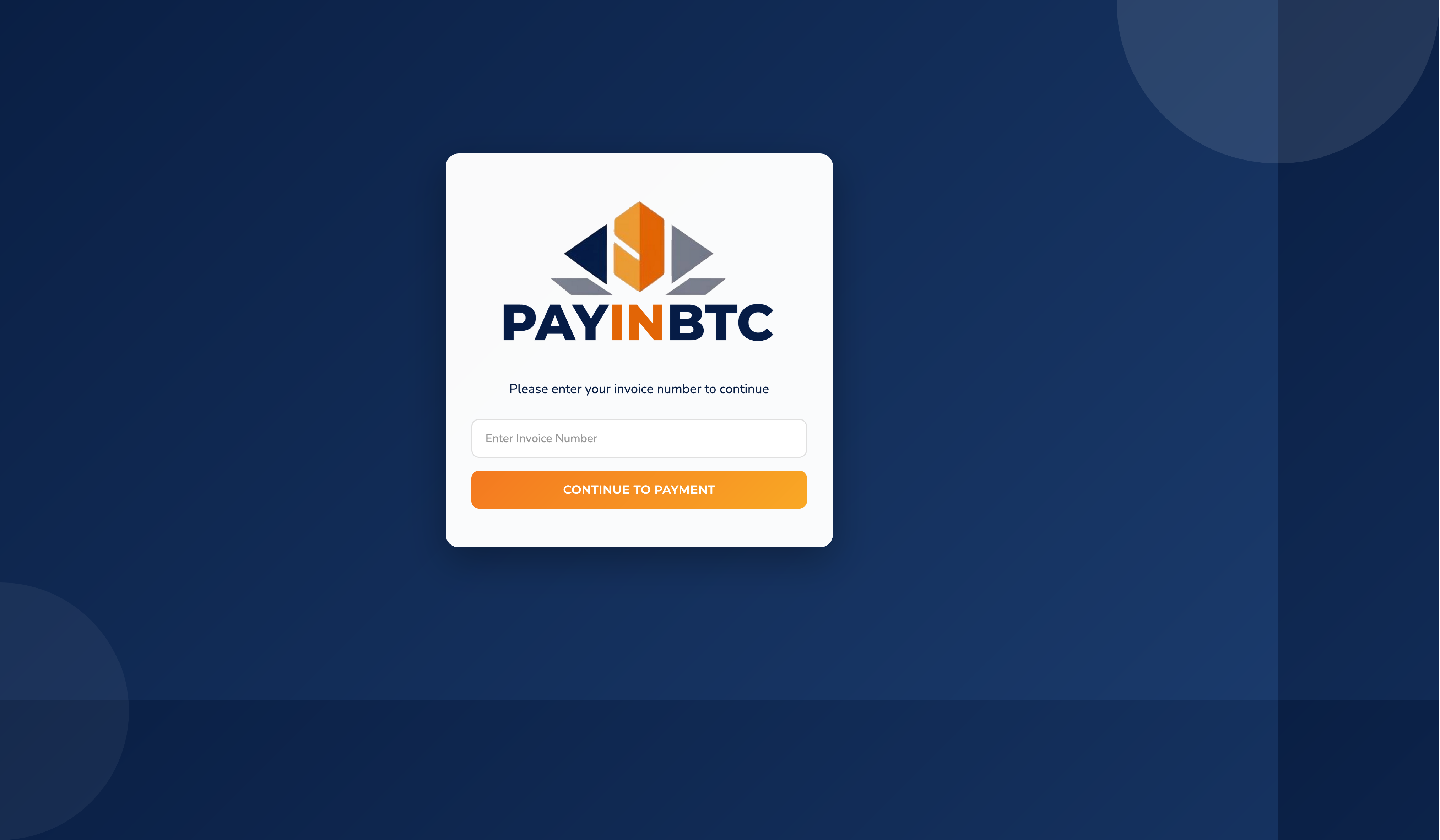
The accounting software is not able to use a variabele for the invoice number in the template. We don't know which invoice we need to retrieve. When your customer clicks the Bitcoin payment link, he/she is asked to enter the invoice number. With this information we can retrieve the invoice data and create the payment.
- Invoice data retrieved from url
The accounting software doesn't support an API. So we need to send the amount and currency in the Bitcoin Payment link. We know then all details we need to create the payment link.
During setup it will become clear what possibliteit your accounting software has and we will guide you accordingly.